The manager sign off page has a Guidance Pop-up

Pop-up contents
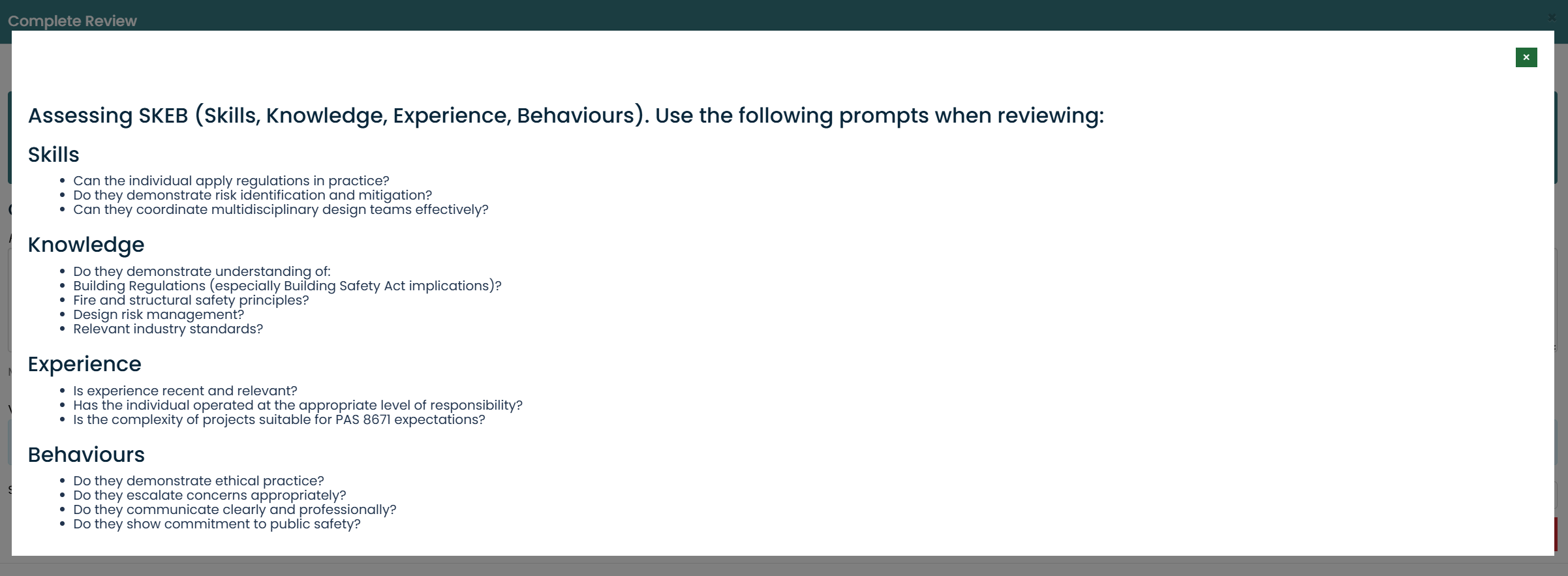
to edit the content of the pop-up goto >
1. Site Admin in the nav menu
2. Competence Module Tile
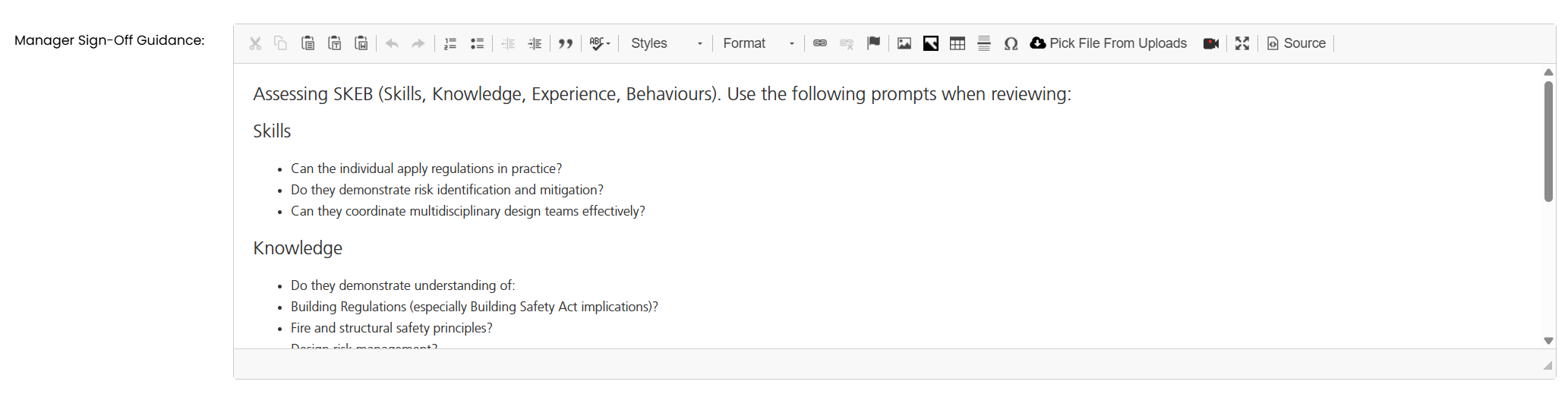
3. Click on the edit icon for the competency module you want to add the manager sign off comments to
4. Add the content using the Manager Sign Off editor
5. To save your changes Click the Save Changes button at the bottom of the edit panel
Was this article helpful?
That’s Great!
Thank you for your feedback
Sorry! We couldn't be helpful
Thank you for your feedback
Feedback sent
We appreciate your effort and will try to fix the article