1. Click on the Manage link
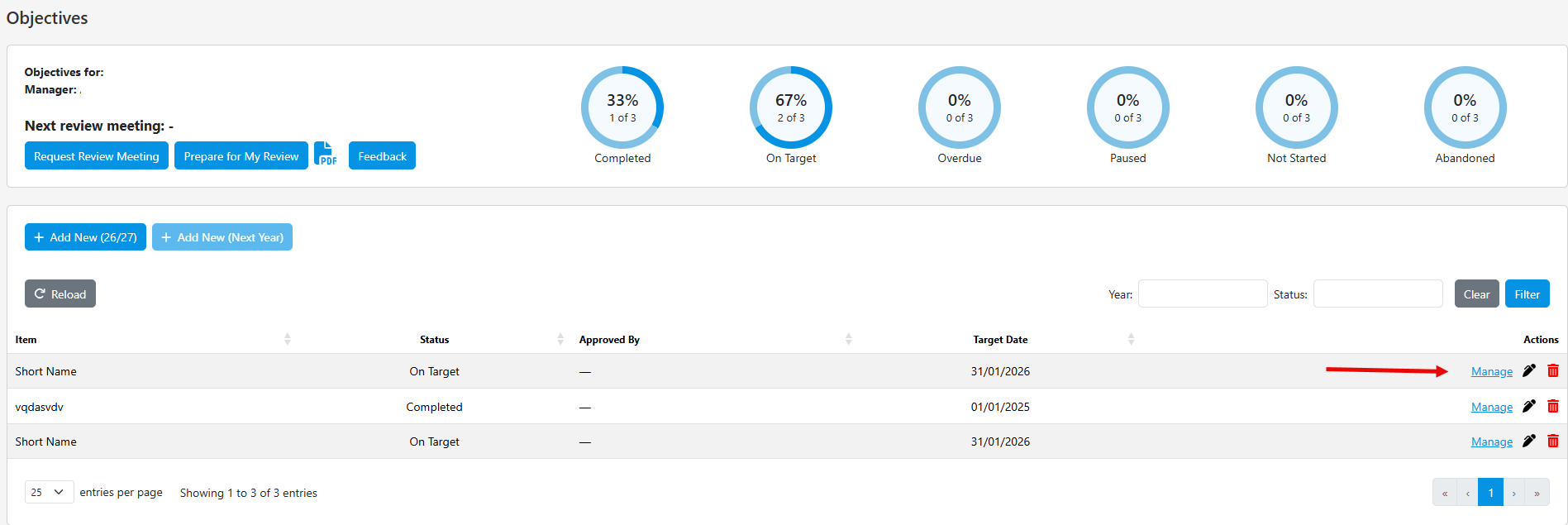
2. Edit the name of the Objective by clicking on the Edit button
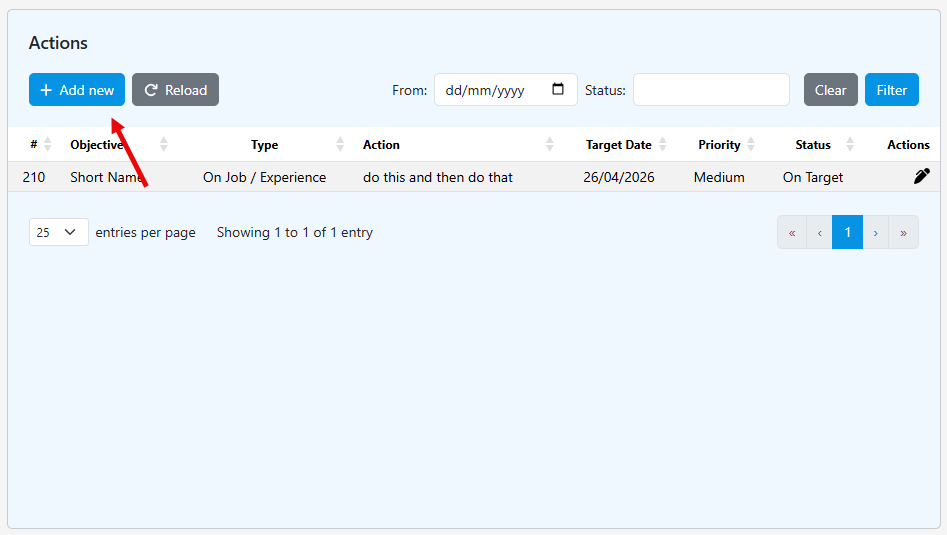
3. Add a new Objective by clicking on + Add new
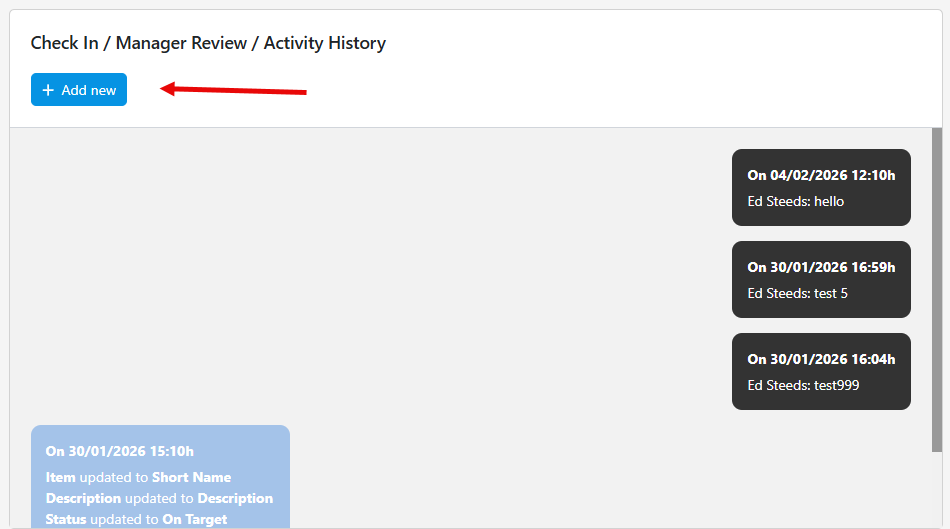
4. Add a new Check in / Manager Review / Activity History
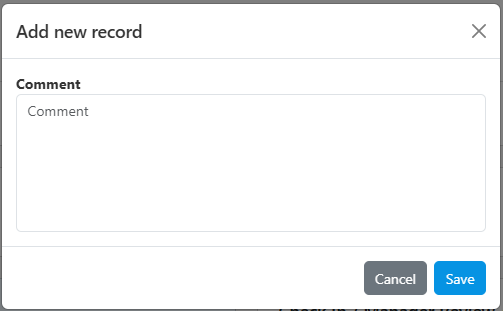
5. Complete the fields in the pop-up and click Save
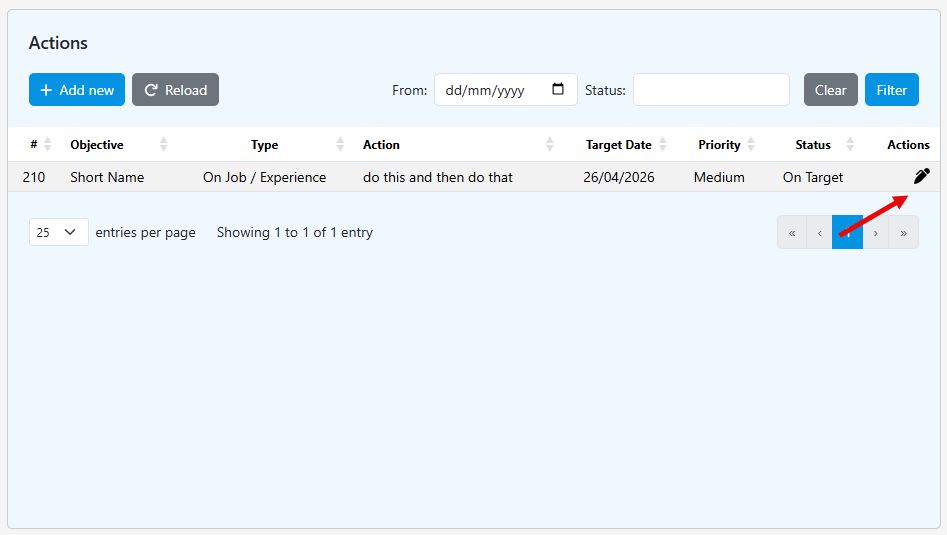
6. Amend the existing Objective by clicking on the edit symbol under Actions
7.
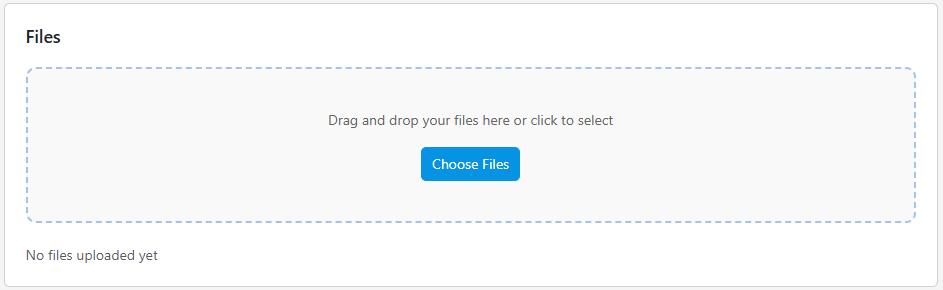
7. Add files to the users record by following the instructions on screen
8. Add a new comment / note by clicking + Add New or amend an existing comment / note by clicking the edit symbol under Actions
Was this article helpful?
That’s Great!
Thank you for your feedback
Sorry! We couldn't be helpful
Thank you for your feedback
Feedback sent
We appreciate your effort and will try to fix the article