To give Guidance to users at the top of the Experience Page.
Click on Site Admin and select Competence Modules.

Click the edit icon and scroll down until you see the section Space above Sector Experience Page:
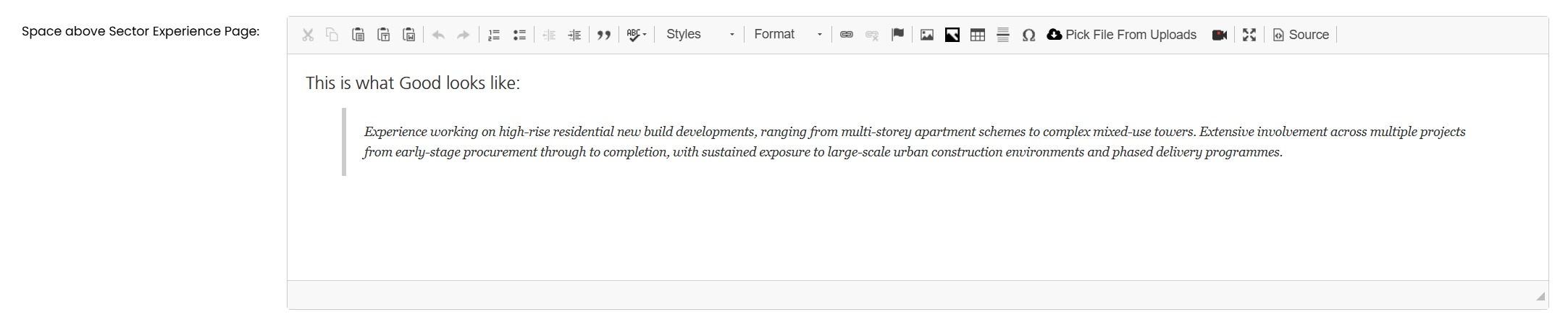
Enter the required text and click on SAVE CHANGES

Was this article helpful?
That’s Great!
Thank you for your feedback
Sorry! We couldn't be helpful
Thank you for your feedback
Feedback sent
We appreciate your effort and will try to fix the article