1. Click on Site Admin
2. Click on Users
3. Select the Employee you wish to edit by clicking the edit symbol on the right of the page

4. In this page you can edit any of the Employees details, see separate help guides for each section.
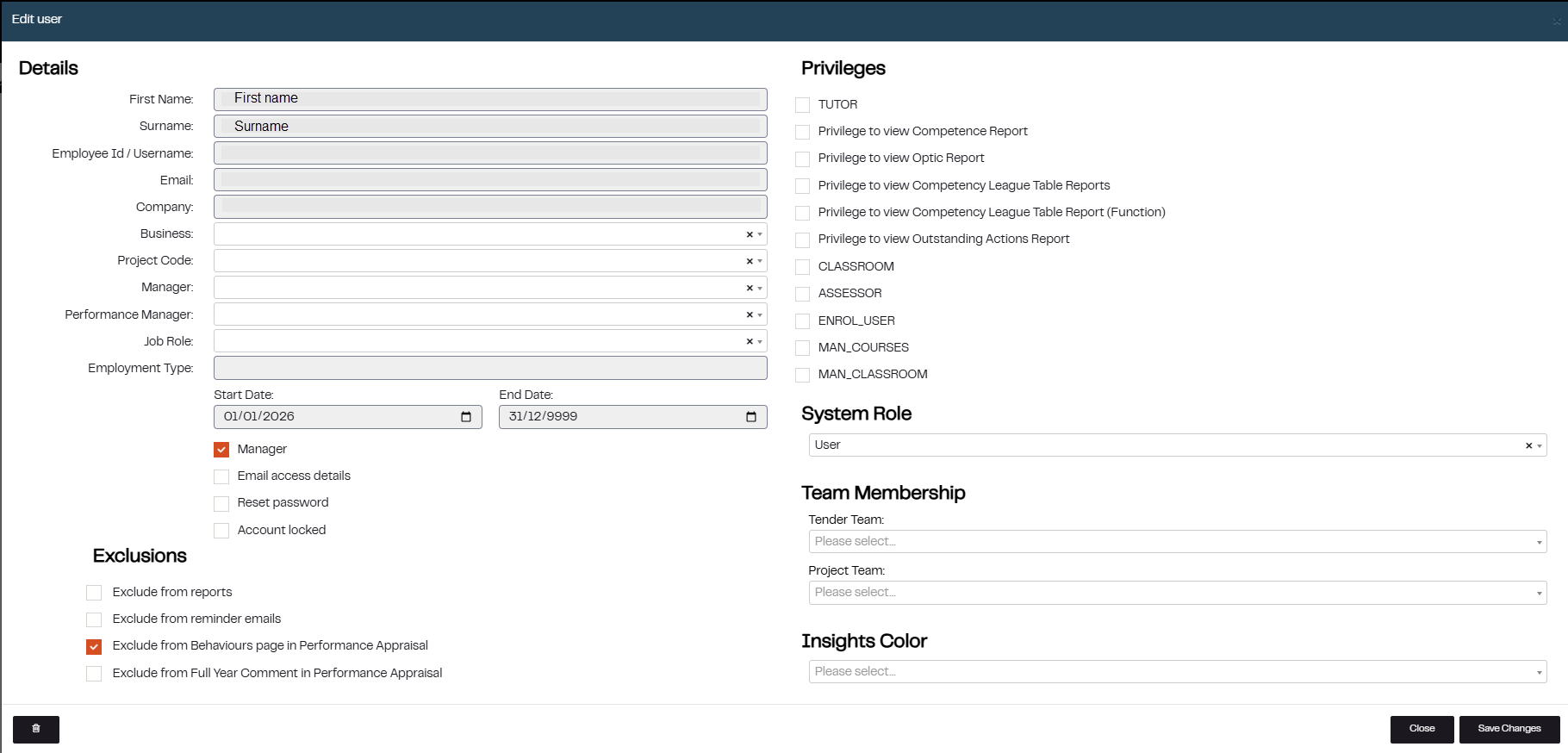
5. Edit the relevant employee details and click on Save Changes
Was this article helpful?
That’s Great!
Thank you for your feedback
Sorry! We couldn't be helpful
Thank you for your feedback
Feedback sent
We appreciate your effort and will try to fix the article