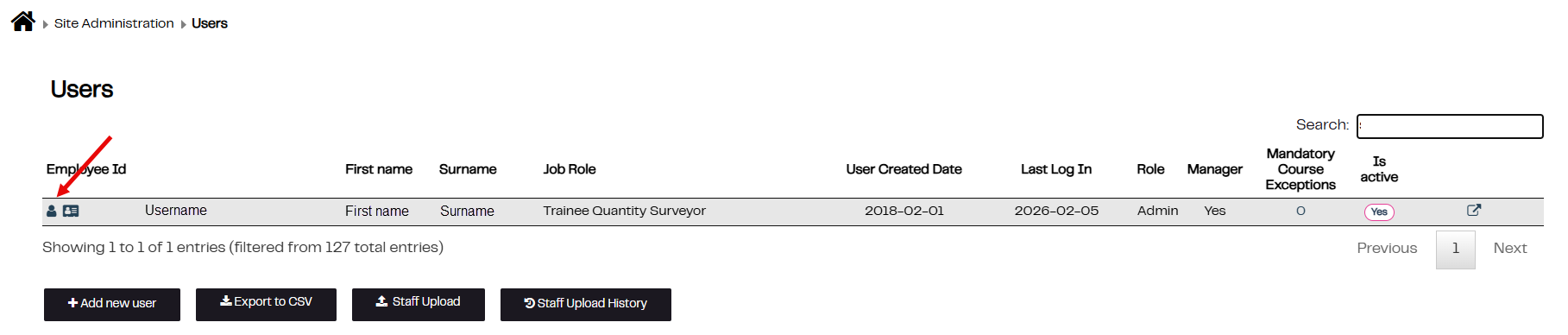
1. Click on Site Admin
2. Click on Users
3. Click on the symbol to the left of the required Employee ID to access the employees account
Was this article helpful?
That’s Great!
Thank you for your feedback
Sorry! We couldn't be helpful
Thank you for your feedback
Feedback sent
We appreciate your effort and will try to fix the article