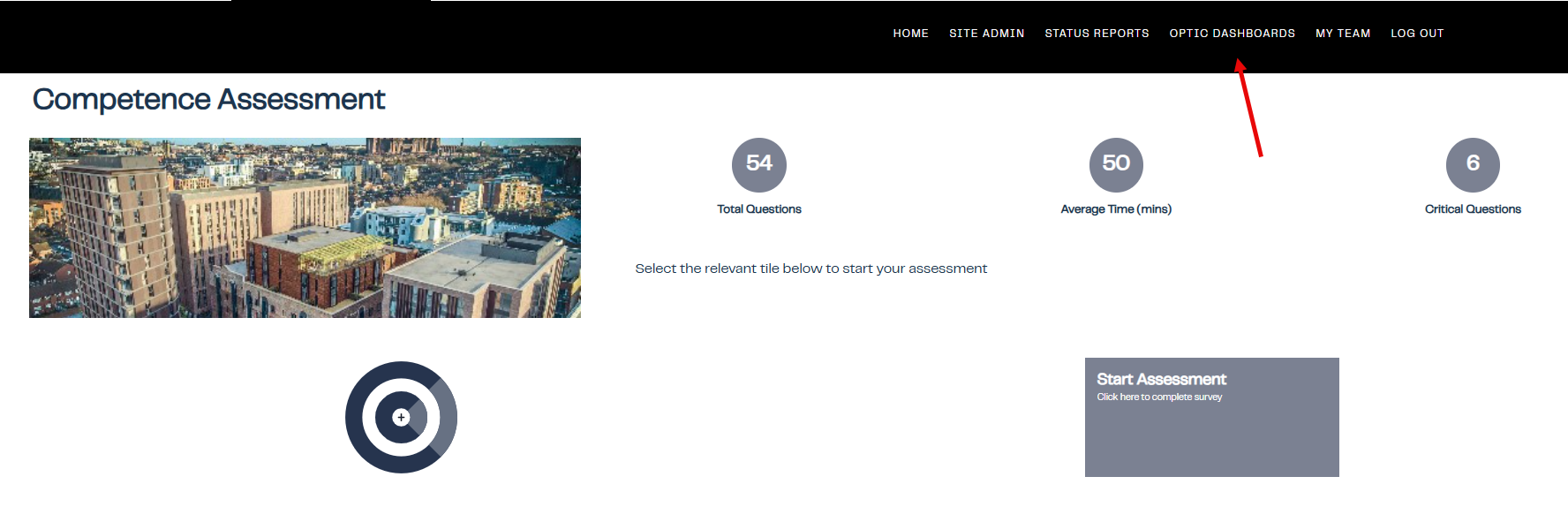
1. Click on OPTIC DASHBOARDS
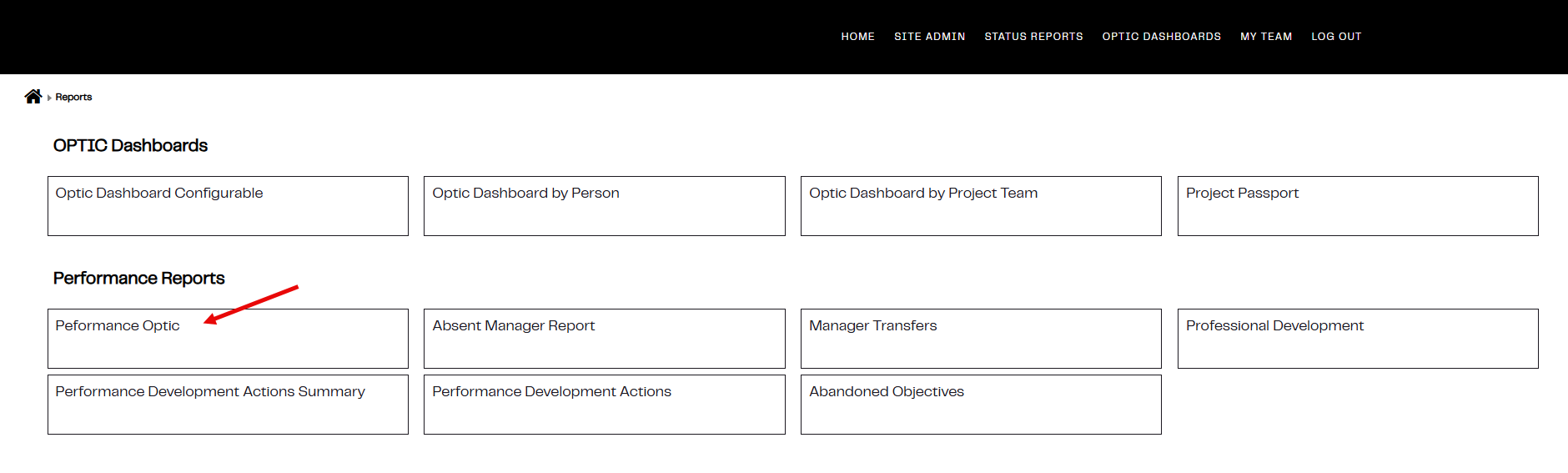
2. Under Performance Reports click on Performance Optic
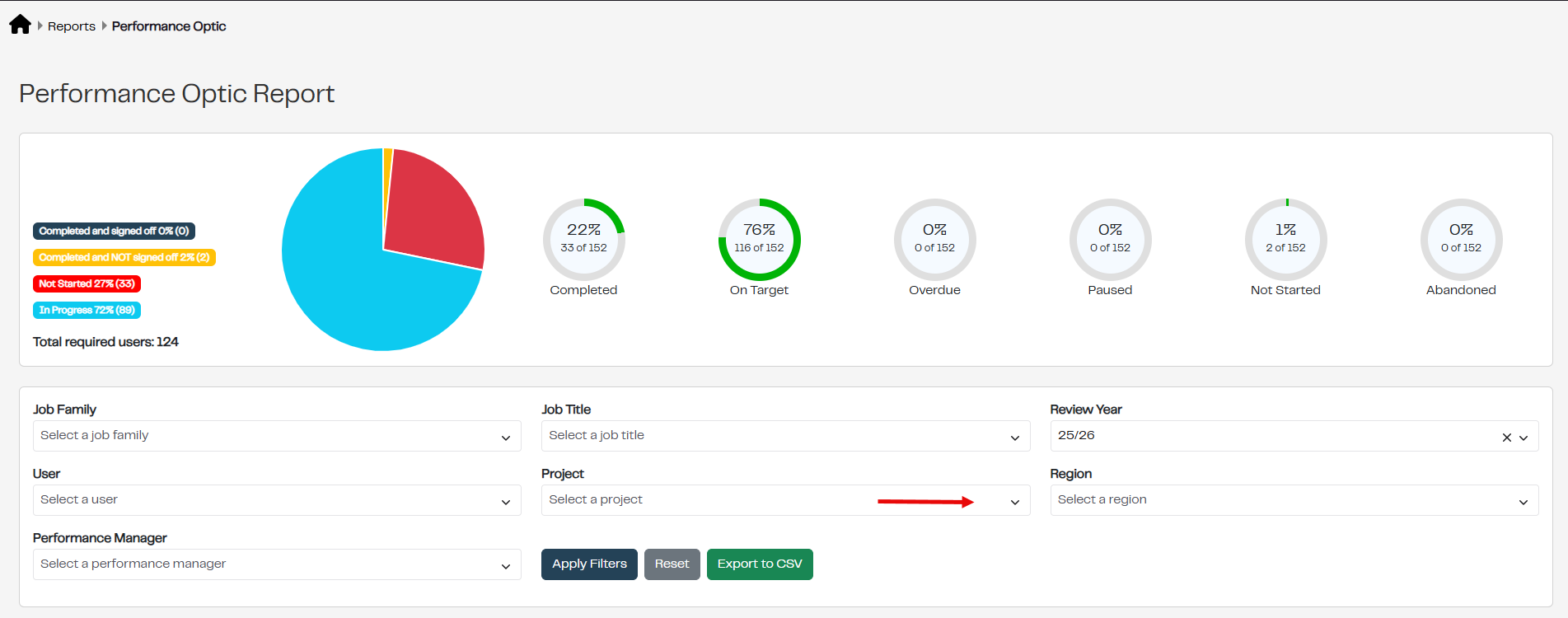
3. Click on the drop down list under project and select the required Project
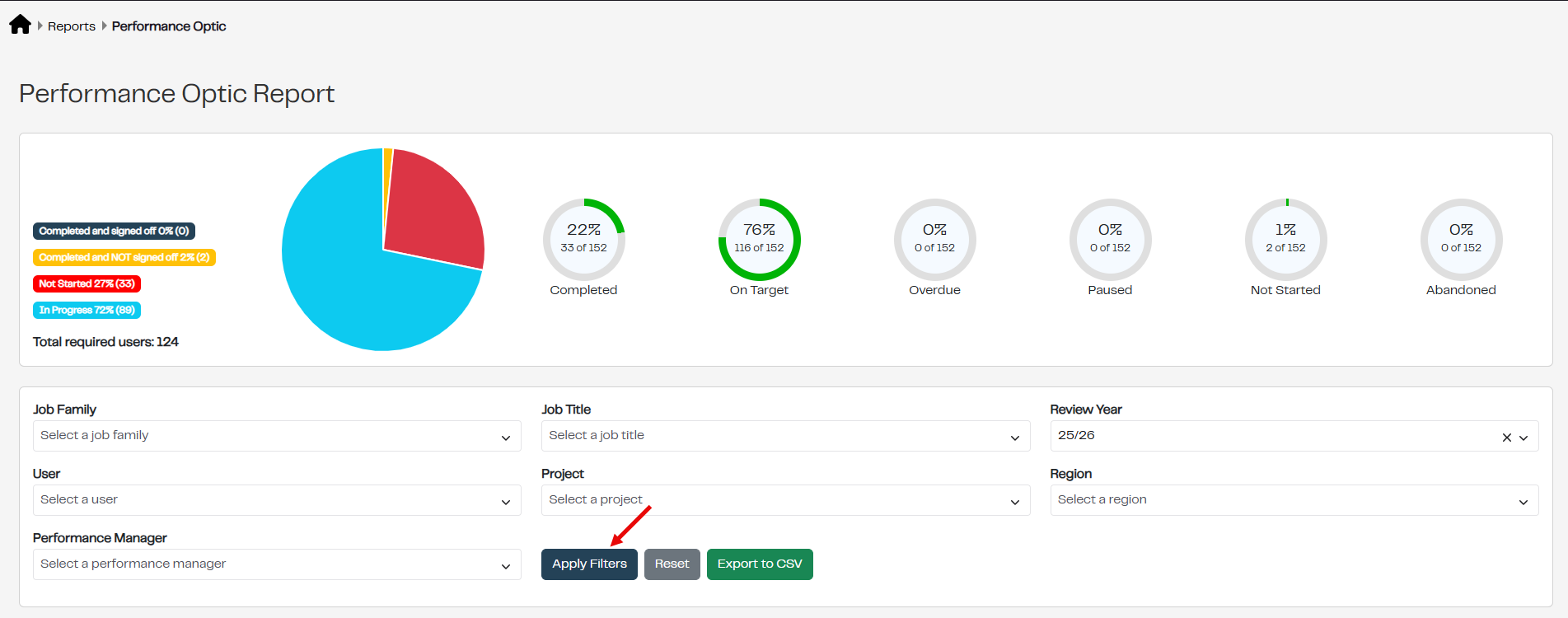
4. Click on Apply Filters to see the Performance Optic Report for the chosen Project
Was this article helpful?
That’s Great!
Thank you for your feedback
Sorry! We couldn't be helpful
Thank you for your feedback
Feedback sent
We appreciate your effort and will try to fix the article