1. Click on Site Admin
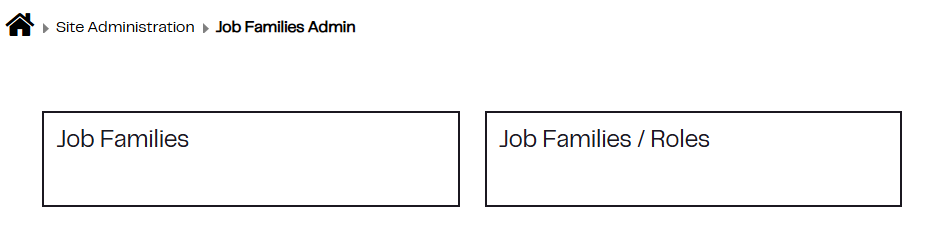
2.Click on the tab Job Families
3. Select Job Families
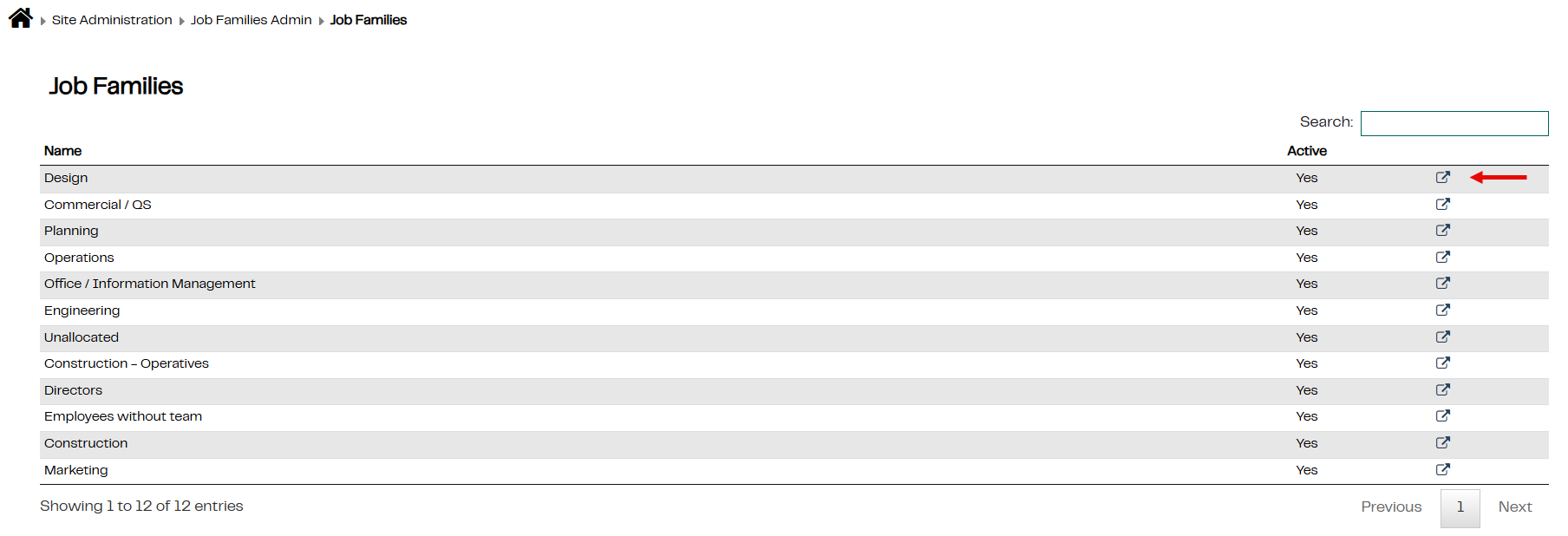
4. Click on the edit symbol to the right of the page
5. Edit the name of the Job Family in the pop-up and click Save Changes
Was this article helpful?
That’s Great!
Thank you for your feedback
Sorry! We couldn't be helpful
Thank you for your feedback
Feedback sent
We appreciate your effort and will try to fix the article